Aseprite Grid Maker
A downloadable tool
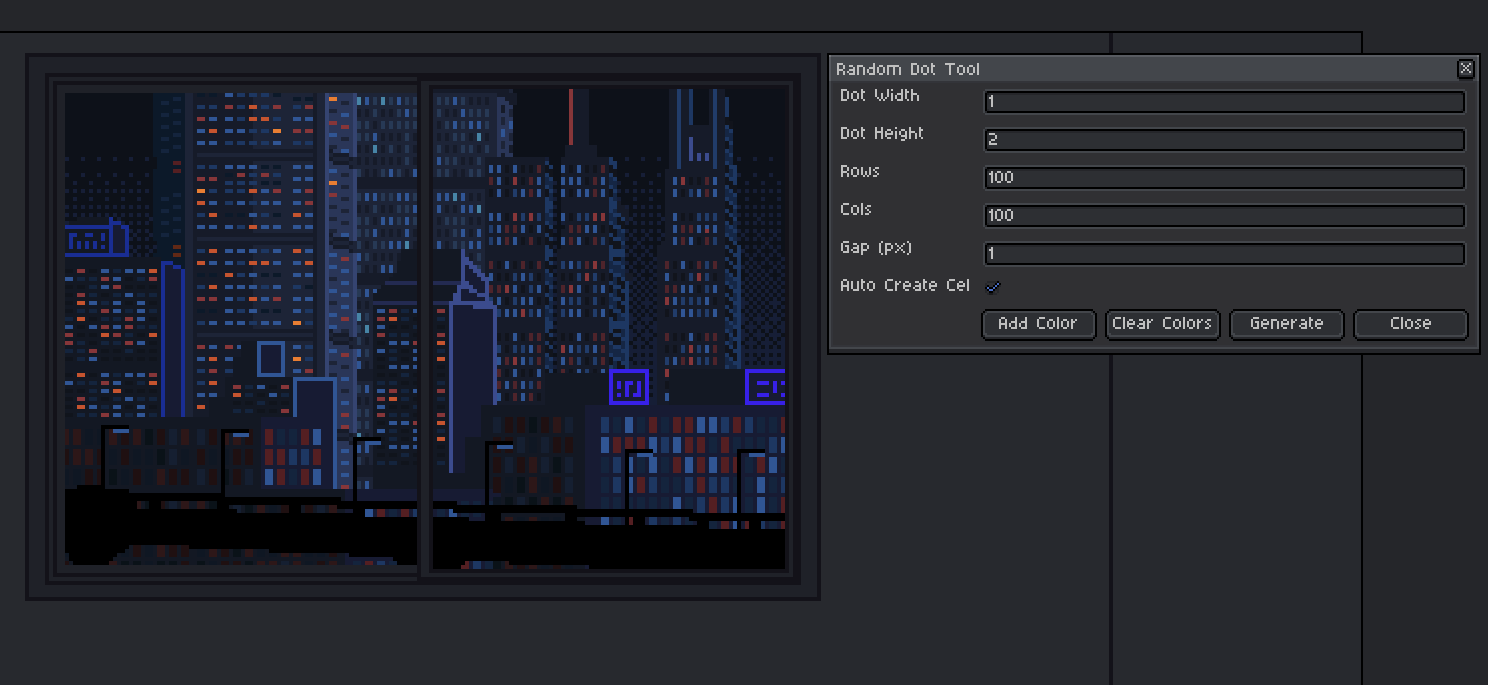
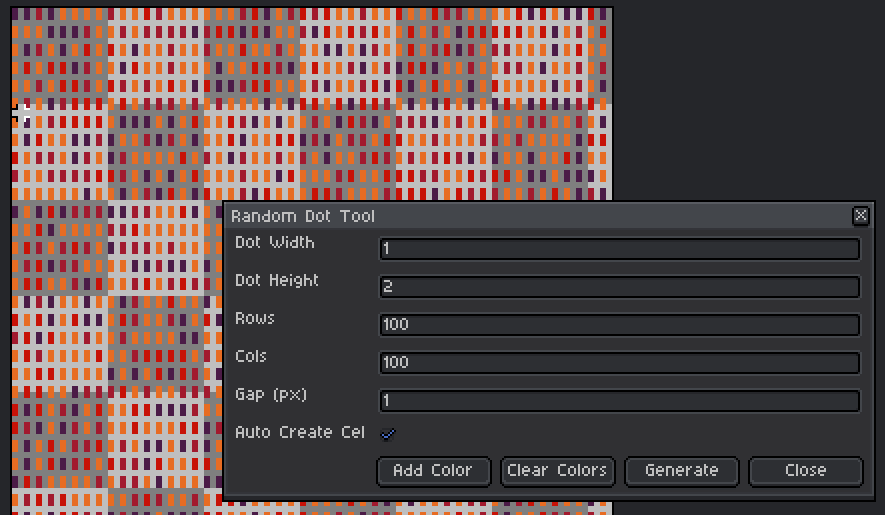
Random dot generator for Aseprite with customizable size, spacing, and color.
📦 How to Install – Grid Maker (Random Dot Tool)
1. Download the Script
2. Open Aseprite Scripts Folder
- In Aseprite, go to:
File → Scripts → Open Scripts Folder
3. Add the Script
- Copy the .lua file into the Scripts folder
4. Reload Scripts
- In Aseprite, go to:
File → Scripts → Rescan Scripts Folder
5. Run the Tool
- Go to:
File → Scripts → Grid Maker
🛠 How to Use – Grid Maker
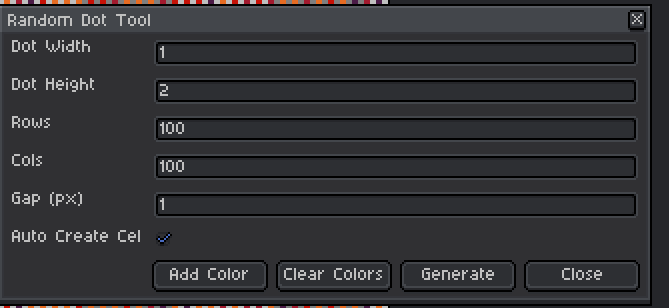
1. Select the dot width and height (define the dot style)
2. Select the Rows and Cols (How much space would it be filled)
3. Select the Gap between each dot
4. (Optional) Auto cel create it will create the cel for you
5. Add/Clear the color to the set you would like to randomize
6.Generate!!
Download
Click download now to get access to the following files:

Leave a comment
Log in with itch.io to leave a comment.